
Schematics, 3D STL files and software available under a Creative Commons license on Github:
https://www.numworks.com/
https://github.com/numworks
As an user of WP-34s (built it myself from HP-30b), the most powerful scientific (non-graphing) calculator on the market.. people say
http://commerce.hpcalc.org/34s.php
I’ve been thinking to port it to STM32 since ever (it is open source) as the original mcu there is a rather obsolete stuff (atmel arm, 6kB ram, 128kB flash).. Always hit the case/keyboard issue – quite difficult unless you plan to produce 1mil units of it..
I can only for the 3D files for the case and for the firmware source code
[dannyf – Tue Sep 05, 2017 11:11 am] –
This looks interesting. I wonder how those little things parse the input and perform the calculation. Bcd?
It looks like more high-level C++ with IEEE fp:
https://www.numworks.com/resources/engi … hitecture/
https://github.com/numworks/epsilon
- An STM32F412VGT6 MCU
- An ST7789V 320×240 LCD display
- An RT9078 300mA LDO
- An RT9526A linear LiPo charger
- An RGB LED

One thing I have noticed about calculators is their high cost in comparison with the cost of the hardware.
i can buy a Android phone with far more computing power, for less than the cost of a graphing calculator.
Some of this seems to be because schools only allow students to use recognised brands and even specific models of calculators, so there is no market for a decent calculator unless its “approved”, and education authorities have nothing to gain by reviewing and approving cheaper alternatives, as its the students who normally have to buy the calculators
Ti was incredibly smart in it’s marketing of calculators as they encouraged text book authors to write their calculators into textbooks ..
The Japanese we’re too foolish to replicate that strategy. They thought they could win on high performance and low costs.
They couldn’t have been more wrong.
e.g. Nearly $40 AUD (about $30 USD) for a Casio FX100 from a local office supplies warehouse.
https://www.officeworks.com.au/shop/off … -ca100aupl
Cost of production would probably be $5, and they have been churning them out for years, so there is no ongoing R&D budget
hardly unreasonable. No idea how they are comparable.
This can usually be overcome by buying direct from China (eBay or AliExpress) and waiting for it to arrive on the container ship
RealCalc is one of my favourites
https://play.google.com/store/apps/deta … s.RealCalc
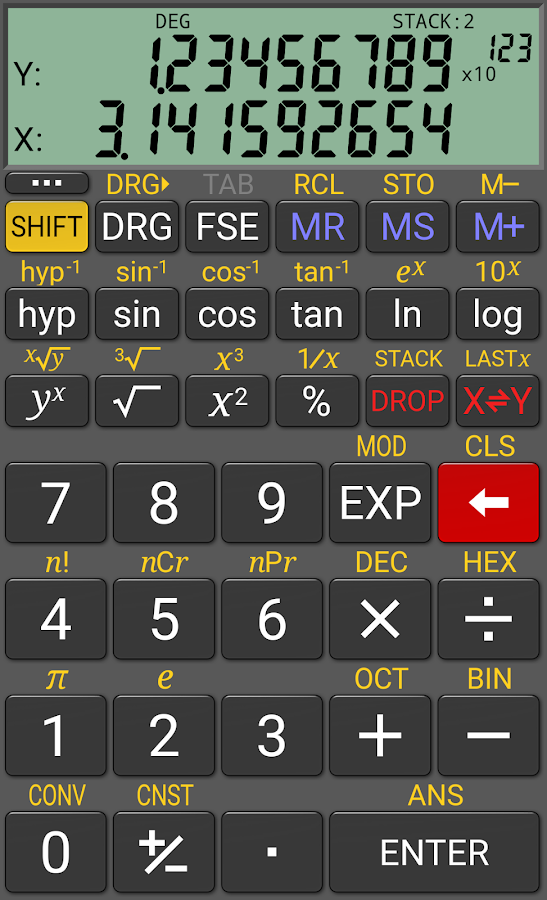
.. but there are plenty of others.
https://downloads.tomsguide.com/Algeo-g … 54035.html
http://www8.hp.com/us/en/campaigns/prim … r/app.html
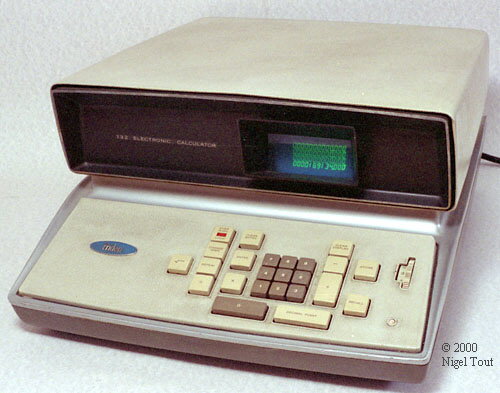
.. having said all that, I am actually a bit of a calculator fan. As well as some classic Casios, like the FX-602P and FX-702P there is, somewhere in this house an ancient TI 30 and a Commodore LED 774D… and then of course there is this….
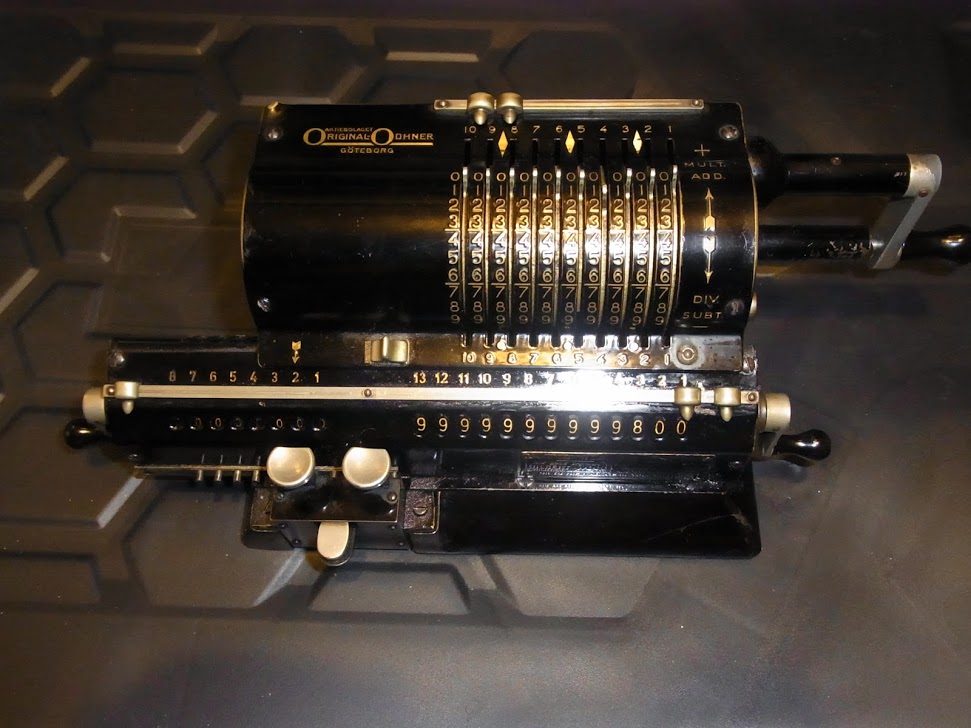
… no batteries required. 
A (little) programmable TI 51 III bought when I was at school

an old mechanical Olivetti

an old Canon with nixie and an old Commodore plus some others.
But my favorite are casios. a fx-39 from way back, and i still have a fx-82 that’s working nicely, aside from the power on switch, almost 40 years after I got it. back then people were expecting 10-yr life for the lcd.
but my favorite is the 12c. I have about 10 of them laying around between my house, backpacks and my offices. that’s a marvel of engineering.
It was working several years ago, but not anymore : I need to find which transistors had broken, but too lazy …
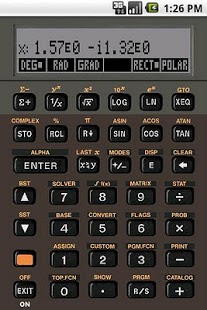
There are almost all famous calculators available on android/ios (ie HP/TI).. My favorite is the HP-42S with 34digits precision
(Free42)..
my dad found a couple of cylindrical slide rules and some 10 place (or more ??) log tables.
i’ve a ‘standard’ slide rule on my bookcase, i do wish i’d managed to snaffle one of the cylinders though.
stephen
I guess I’m the crossover generation (also known as an old fart  ).
).
Pocket calculators weren’t a thing, until I was in secondary school, and I still have a slide rule or two somewhere.
I also learned engineering drawing on proper draughtsman’s tables, with t-squares, propelling pencils and Rotring pens, just as CAD was starting to become more mainstream.
As a result, I’m actually pretty good at sketching and drawing by hand.
3rd angle projection – look, bounce and put on same side.
one of the tutors, always have pencil and paper to hand, a sketch and words etc, etc.
similar for sketching, they usually end up as an isometric view, 30 or 45 degrees
i’m currently classing myself as a sad old git 
‘O’ level grade 4 – same for metalwork. then in Uni 1st year, intersecting / crossing tubes. develop the cut outs.
and before you ask, no chance. actually maybe not. funny how memory works, just enough to recall the other bits.
had someone looking at my answer in the tech drawing exam.
i explained it to him afterwards. 
stephen
I still have Rotring and Staedler ink pen.
But then I started early using CAD, main reason was that it was very simple to duplicate a drawing.
I started drawing cave maps, I was a caver but I am still able to go in simple caves without very long pits.
somewhere i have one of her tracings, cross section of a jet engine, about 10ft by 6ft.
stephen
what our stm32duino calculator excel at is that it can crunch floating point numbers at 500 mflops – no other beautiful stm32 f4 calculators may come close, but that’s provided you use *single precision* math and hardware floating point and overclock the stm32f407
http://www.stm32duino.com/viewtopic.php … &start=160

