At first, I had to make some tests reading the Infrared Remote control. I read the ‘LIGHT’ button with a logic analyzer that showed me the following pulse string.

- Infrared_protocol.JPG (50.87 KiB) Viewed 1488 times
I usually keep my old IR remotes. Many years ago (more than a decade.) I had to make a MIDI player using an undocumented remote, So I used the Universal remote method and just recorded the patterns. Later I was to learn it was simply Manchester encoded. In the end I went with one of the common TV protocols that the Radio Shack universal remote could generate. A lot of this is coded by kids fresh out of engineering trade school.
I still laugh at one of my bosses who said “You went to college, what do you need a protocol analyzer for?” (BTW I have a 2 year EETechincal degree, not one of those high fanged 4 year diploma mill sheepskins. Modern schools are designed to be funded from Grandma’s college fund. Notice that they never seem to fail anyone anymore as long as someone can pay. )
IR protocols never really had a standard. Each manufacture would put in a code to keep the other manufactures universal remote from working with some button or other (usually setup. sometimes enter.) This was intentional.
If one looks at the appendix to the cable companies Universal remotes, there are 100s of IR tables in the back. Even then recently when the CC upgraded the STB, they still sent the wrong remote. In theory scanning the on off sequences gives the class of a remote protocol. This does not always work to give the sub remote details.
If one can make it through the manuals, there are often echo codes on the universal (or even manufactures remote.) that will blink the code as pulses on one of the user interface indicators. Counting pulses is something I do not like doing.
So, multiple key press (on the same button) transmits different pulse strings.
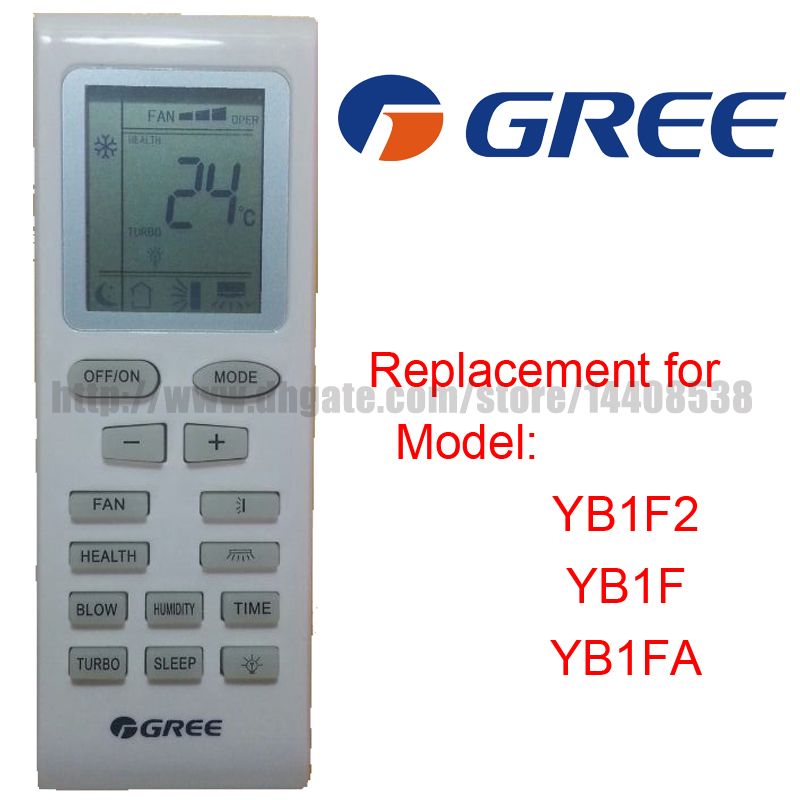
My air conditioner does something similar, and its annoying, as it alternately sends an ON command then an OFF command when I press the Power button.
So If I press the Power button, to turn off, and the receiver does not get the signal, I cant simply press again, because the next press it sends power ON, which does nothing as its already ON.
I dont know why they have a single power button, which toggles it on/off but have separate Power ON and Power Off commands, so the remote has to remember the status of the power.
It should just have a Toggle Power command 
I think that is the advantage for my circuit. If I want to turn ON my air conditioner I simple have to send only the power ON pulse string. That makes sure that the air conditioner powered on.
If the remote control power button sends the same pulse string to toggle the ON/OFF function, then the circuit wouldn’t know if the air conditioner is powered ON or OFF. In that case a feedback circuit would be necessary.
Yes. The separate power On and Off commands are useful when controlling from an external MCU, but not so useful for normal people using the remote control
I did consider making something to automatically turn my air conditional off when its not needed, but I never seem to have any spare time.
I used a code from a site named analysis ir on an Arduino to get the raw code, it is long some hundred of bytes.
Using raw code and a simple ir led I was able to turn on and off but with a fixed configuration.
http://www.analysir.com/blog/2014/03/19 … s-arduino/
It doesn’t use any library, only one interrupt, so it is easy to port on STM32 but it is useful only to record raw signals.
I read that it’s better to use vishay IR receiver but I used a cheap IR receiver
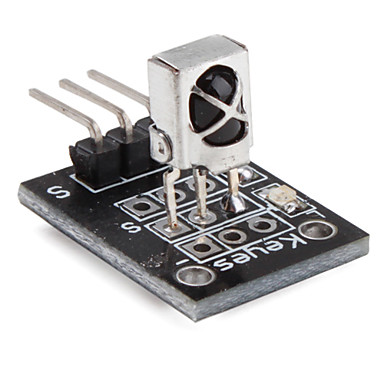
and a cheap IR LED emitter.
Edit:
Long codes are required for sync if the remote has an LCD who show the configuration. If you have a much simpler remote without LCD and the informations are shown on the AC unit, the codes can be much shorter.
So far I have managed to find out which of these bits are used for setting the temperature set point and the mode that works my A/C (heating, cooling, drying etc) . There are still some bits that I don’t know how they are used but I will try more